Navigation
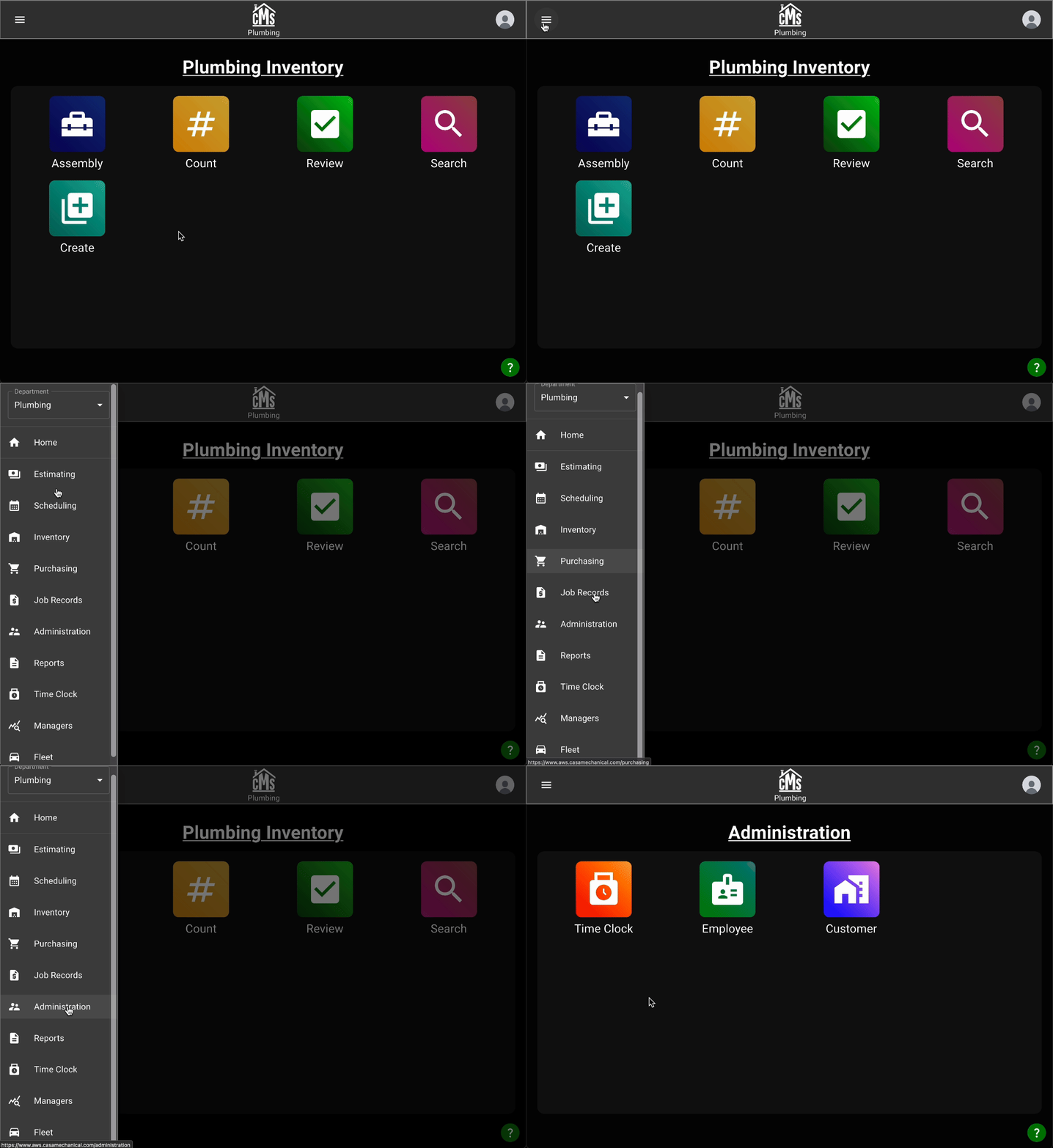
There are a few ways you can choose to navigate the all-new Casa application to find what you're looking for.
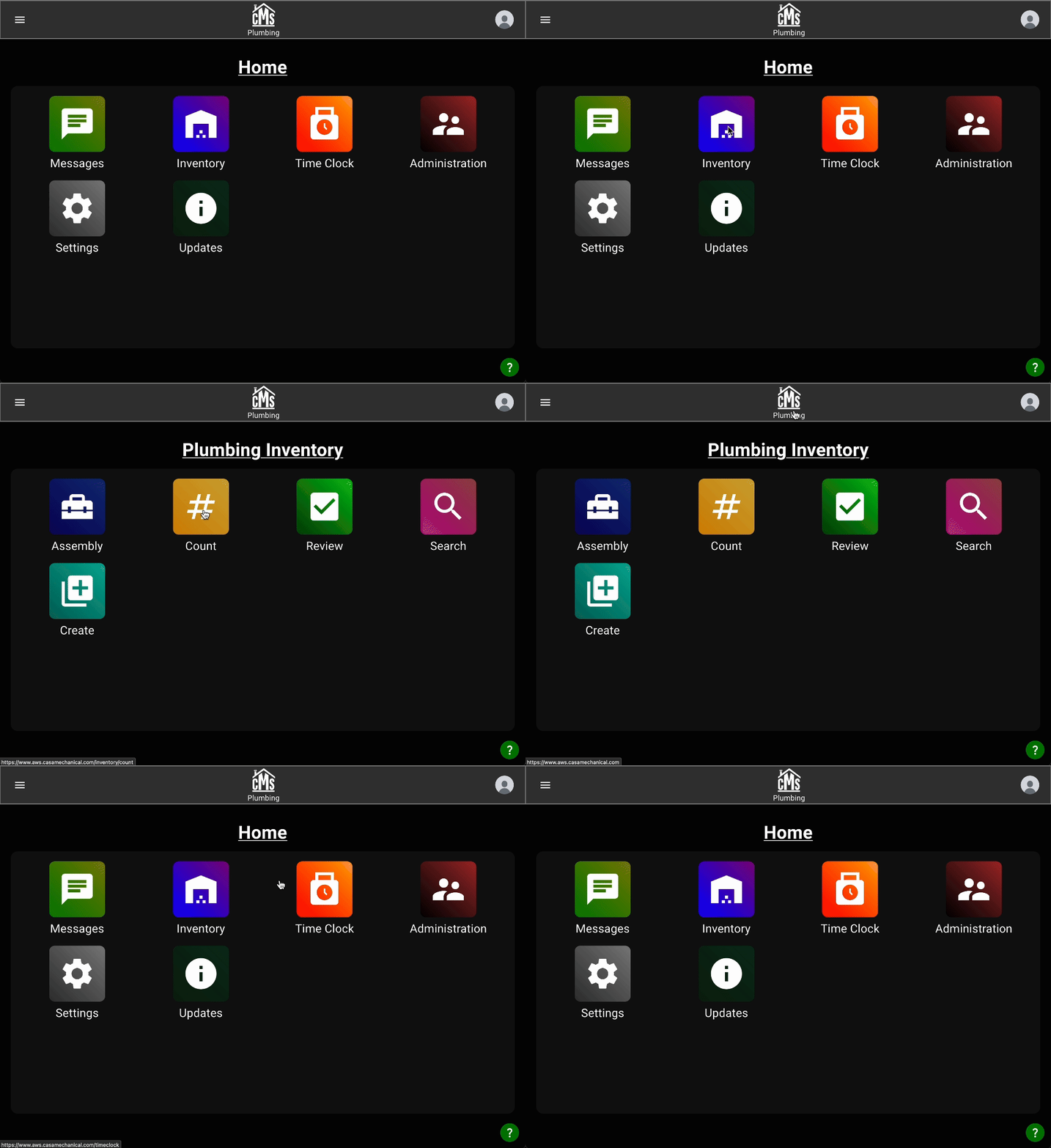
Simply tap on icons from the home screen to access different parts of the application, and press the CMS logo to go back up.
Or, you can open the left-hand navigation drawer by clicking the hamburger menu in the top-left corner.