Search (beta)
You can use the Search application within Casa to do all of the following:
- Browse All Inventory Items (Materials, Permits, Assemblies, etc.)
- Edit All Data For Inventory Items
Finding Items
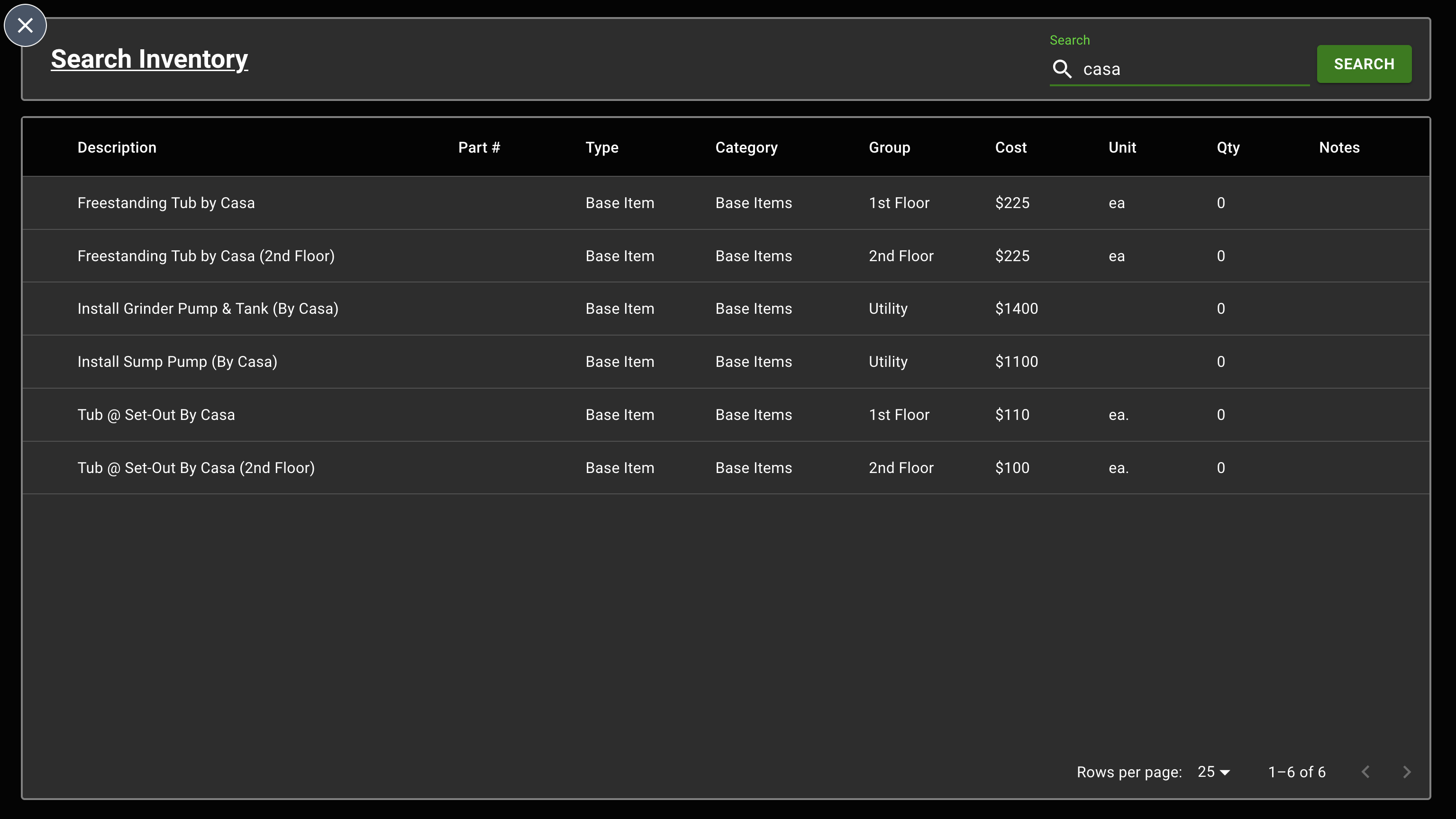
To find inventory items, use the search bar in the top right corner. You may also separate keywords using the , operator - for example, if you would like to see search results for both Carrier and Trane, you would type carrier,trane.
Editing Items
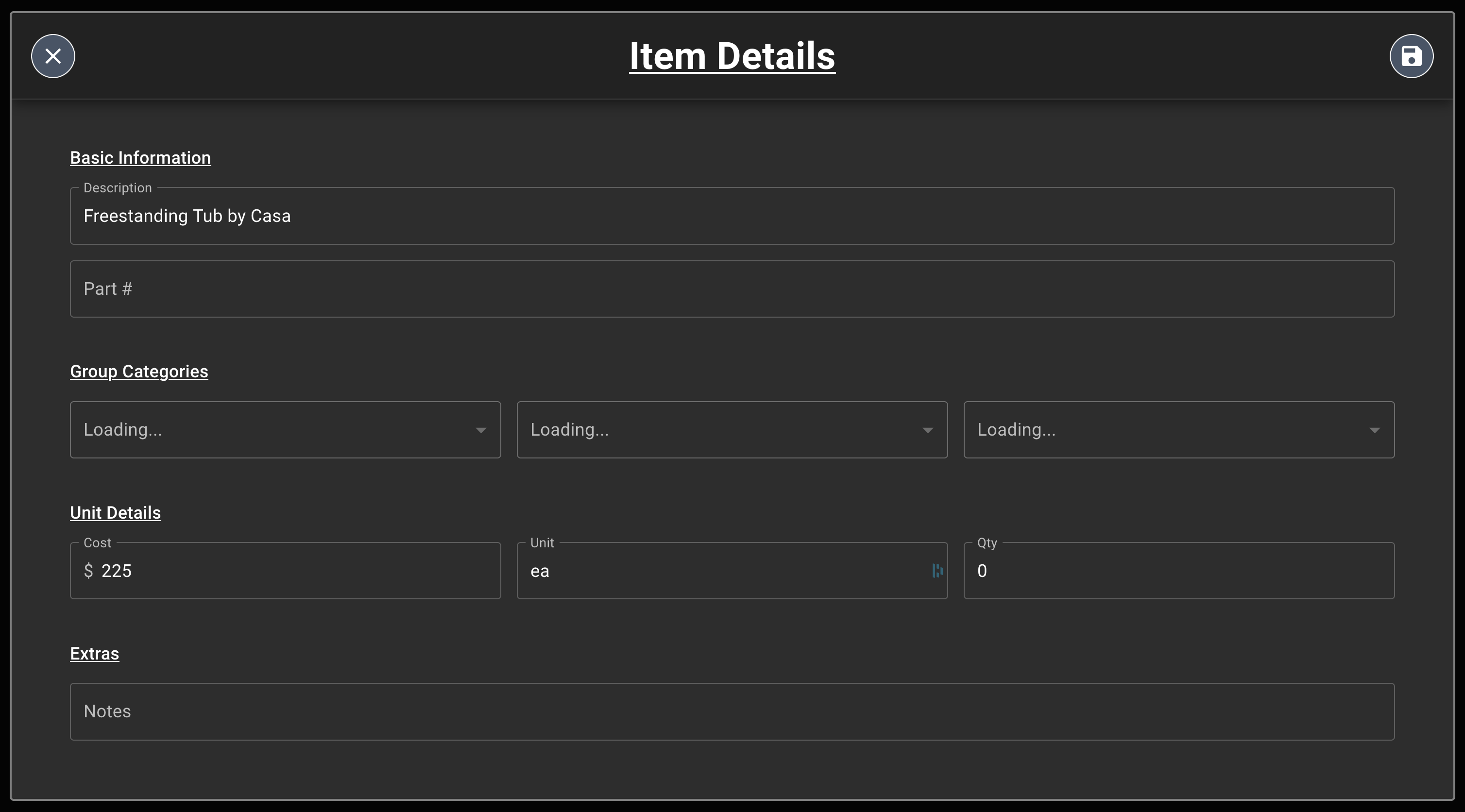
To edit an item, just click on it and Casa will direct you to the Item Details view. From here, simply click the pencil icon in the top right corner, and edit any field(s) you would like. When you have finished editing, make sure to press the Save icon in the top right to record your changes.